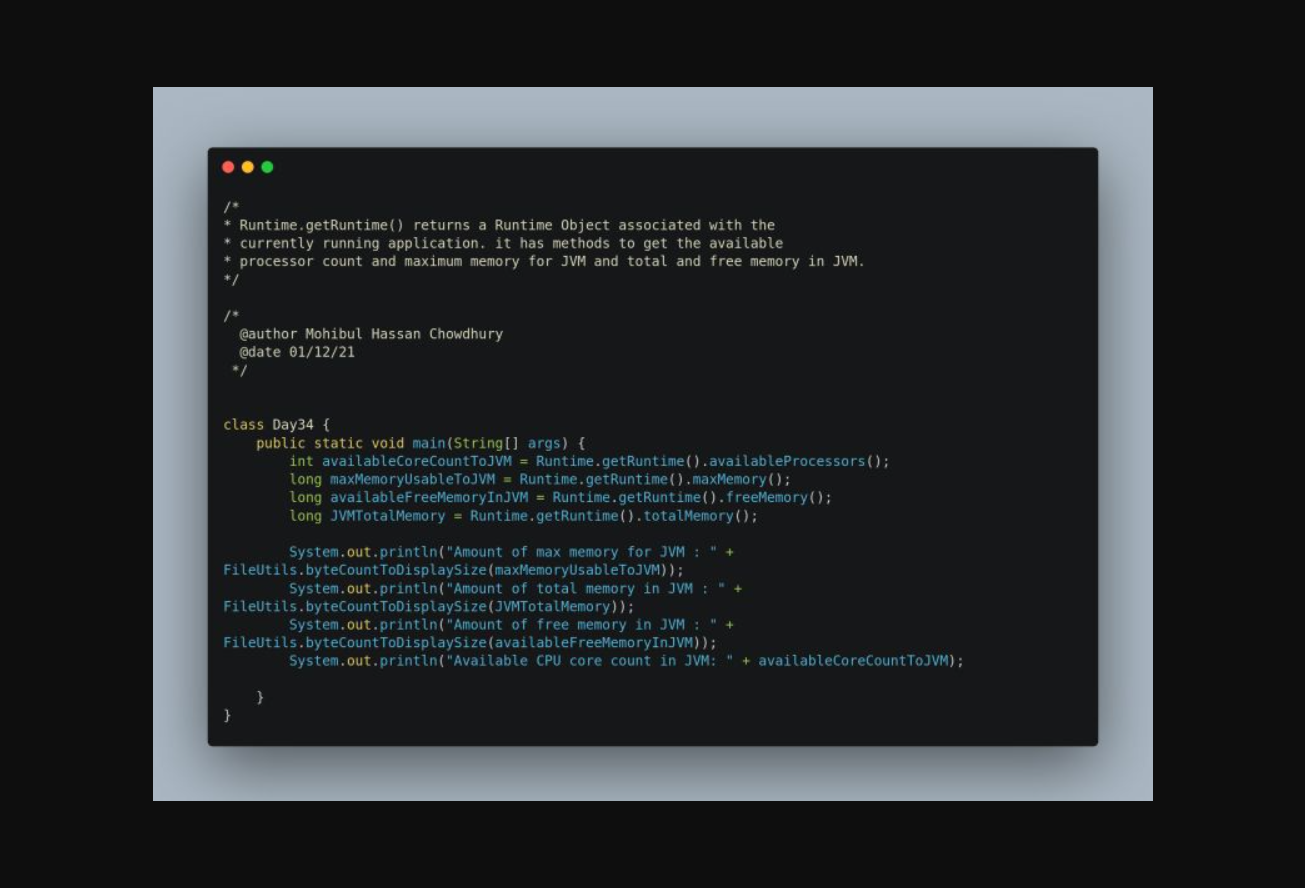
Inspecting JVM runtime memory and available processor count with Runtime.getRuntime().
Transcribed from the original LinkedIn image post.
 1
 2
 3
 4
 5
 6
 7
 8
 9
10
11
12
13
14
15
16
17
18
| import org.apache.commons.io.FileUtils;
class Day34 {
public static void main(String[] args) {
int availableCoreCountToJVM = Runtime.getRuntime().availableProcessors();
long maxMemoryUsableToJVM = Runtime.getRuntime().maxMemory();
long availableFreeMemoryInJVM = Runtime.getRuntime().freeMemory();
long JVMTotalMemory = Runtime.getRuntime().totalMemory();
System.out.println("Amount of max memory for JVM : "
+ FileUtils.byteCountToDisplaySize(maxMemoryUsableToJVM));
System.out.println("Amount of total memory in JVM : "
+ FileUtils.byteCountToDisplaySize(JVMTotalMemory));
System.out.println("Amount of free memory in JVM : "
+ FileUtils.byteCountToDisplaySize(availableFreeMemoryInJVM));
System.out.println("Available CPU core count in JVM: " + availableCoreCountToJVM);
}
}
|
The original LinkedIn graphic is preserved below.